
SaleSold out


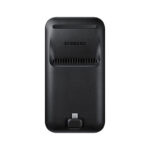
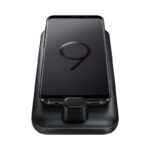

Samsung DeX Pad Desktop Experience
Original price was: 50 $.47 $Current price is: 47 $.
- Built in fan to keep your phone cool while docked
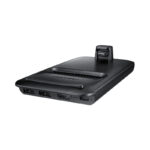
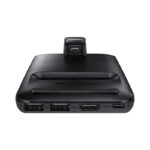
- Multiple connection ports: 2 x USB-A 2.0, USB-C charging, HDMI output, Includes Fast Charge wall charger, USB-C cable and HDMI cable
- Fast charging is available when Fast Charge mode is selected and using provided wall charger and cables. If a non-Samsung or Samsung charger below 15 W (9 V, 1.67 A) is used.
Out of stock
Description
Samsung DeX Pad, Desktop Experience
Samsung DeX Pad enables you to turn your Galaxy smartphone into a true desktop computing experience.
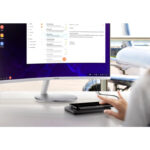
- By docking your smartphone into the DeX Pad, your phone will launch a special DeX mode on the connected external monitor and applications can be opened in multiple separate windows.
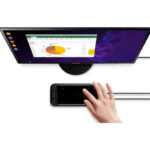
- Connect a mouse or keyboard for added productivity or even use your phone screen as a touchpad.
Now the Phone is a Touchpad
While in the DeX Pad, use your Galaxy S9 or S9+ as a touchpad to navigate the rich desktop-like experience of Galaxy Desktop on your connected external monitor.
Access Mobile Productivity Apps on a Desktop
- By docking your smartphone into the DeX Pad, your phone will launch a special DeX mode on the connected external monitor and business productivity apps can be opened in multiple separate windows.
- View and share presentations, sales charts and more on a large display. Connect a mouse or keyboard for added productivity or even use your phone screen as a touchpad.
Stay Powered Up
Fast charge any Samsung Galaxy S9 or S9+ while you work from the DeX Pad, so you really can stay productive wherever business takes you. USB-C cable and HDMI cable are included, and a built in fan keeps your phone cool while docked.
Versatile Connectivity
Equipped with two USB-A 2.0, an HDMI output and a USB-C charging port to connect a variety of peripherals for work, including a keyboard and mouse for desktop productivity.
What’s in the box
- Samsung DeX Station
- Fast Charge Wall Charger
- USB to USB-C Cable
- HDMI Cable
- Quick Start Guide
Related products
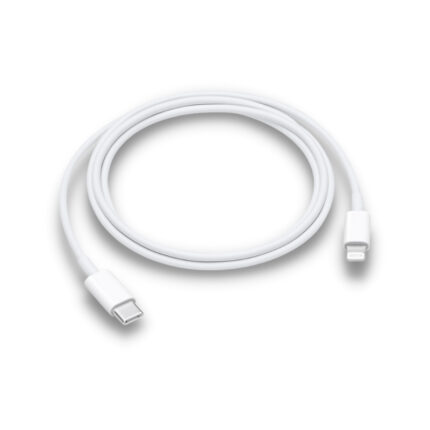
Apple USB-C to Lightning Cable (2m)
Original price was: 35 $.28 $Current price is: 28 $.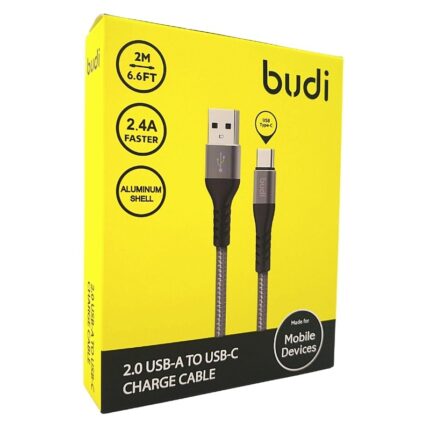
Budi USB-A to Type-C 2m
Original price was: 7 $.5 $Current price is: 5 $.
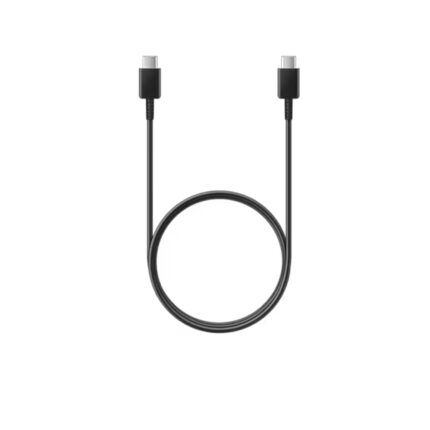
USB Type-C To Type-C Cable
Select options
This product has multiple variants. The options may be chosen on the product page